
SEO Sounds Confusing? This Guide Will Have You Optimizing Your Website Tomorrow
Introduction
Last year, my friend Xiao Wang, who does handicrafts, complained to me. He spent three months building his own portfolio website, put a lot of effort into the design, and took very professional product photos. The result? Only about 100 visits per month, and more than half were him clicking on it himself. He was really disappointed and asked me: “Is my stuff not good enough?”
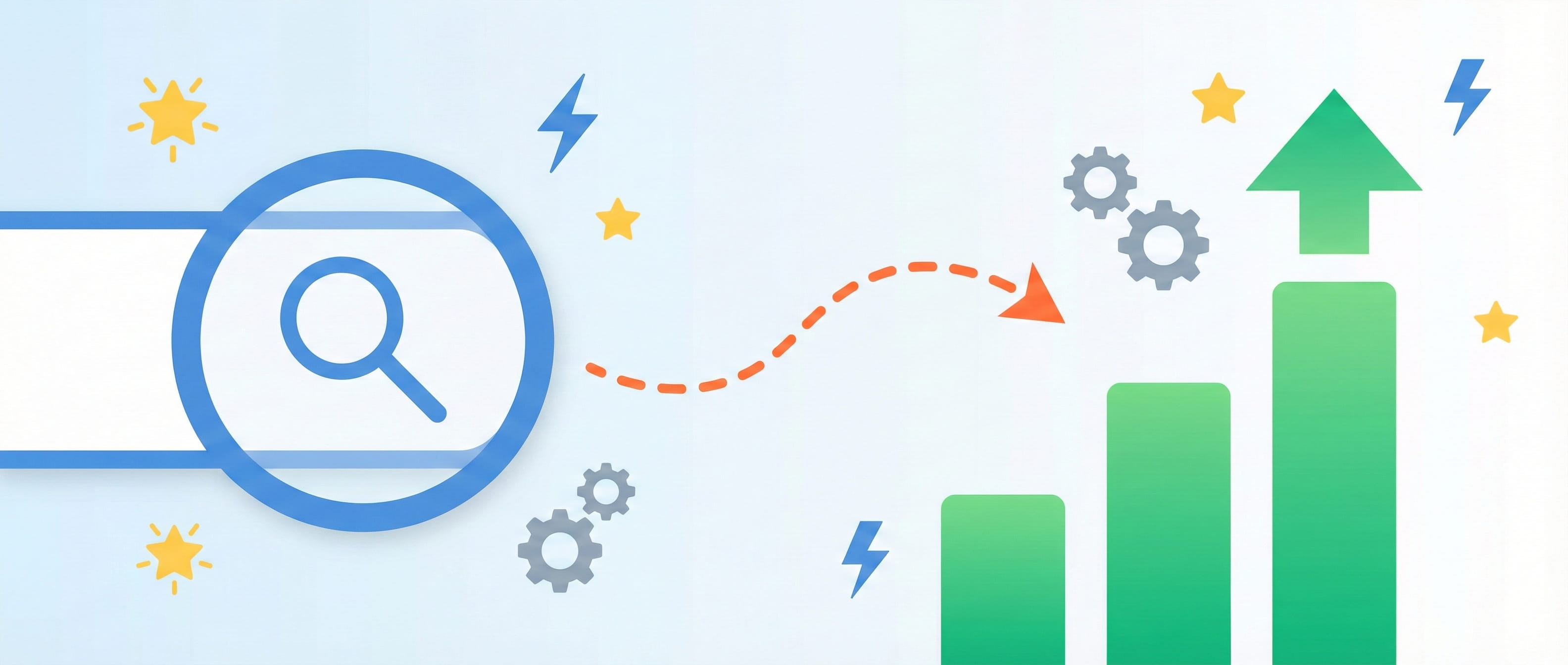
Actually, no. I looked at his website and found the problem wasn’t content quality at all, but terrible SEO—more bluntly, search engines simply couldn’t find his website. Later I taught him some basic optimizations, and two months later monthly visits jumped to nearly 10,000. He excitedly messaged me: “This SEO thing is amazing!”
To be honest, SEO sounds pretty sophisticated—all these technical terms like “crawlers,” “indexing,” “authority.” But what I want to tell you today is: SEO really isn’t that mysterious, and many techniques can be used tomorrow after learning today.
This article will explain what SEO is in the most down-to-earth terms, then give you 5 optimization tips with real cases. After reading, you’ll know how to make your website rank higher in search results and avoid 3 pitfalls beginners most easily fall into.
What Exactly Is SEO? (In Plain Language)
Let’s skip the jargon first. I’ll use a simple metaphor.
When you go to the library to find a book, you either ask the librarian or search the computer catalog, right? Search engines are like this librarian, whose job is to help users find the most suitable “book” (webpage). So the question is: why should they recommend your webpage to users instead of someone else’s?
This is the problem SEO solves—making search engines more easily “find” and “recommend” your content.
More specifically, when you search Baidu or Google for “good hot pot in Beijing,” why do Haidilao and Xiaolongkan rank first? It’s not just because they’re famous—more importantly, their websites are optimized: clear titles, detailed content, many user reviews, fast loading speed. Search engines judge based on these signals: “Hmm, this restaurant should be reliable, let’s recommend it to users.”
Google updated a pretty important standard in 2022, called E-E-A-T. I was confused the first time I saw these four letters, but later found it’s actually easy to understand:
- Experience: Have you actually experienced it? For example, if you write “Beijing hot pot recommendations,” have you actually eaten there?
- Expertise: Do you know your stuff in this field?
- Authority: Do others recognize you? Do other websites link to your content?
- Trust: Is your information accurate? Are you misleading users?
My understanding boils down to one sentence: Search engines are getting smarter—they want content that truly helps users, not articles cobbled together just for rankings.
Most Important SEO Trends in 2025
Honestly, SEO is always changing. I remember in 2020, people were still desperately stuffing keywords. Now that trick is long useless and will actually get you penalized by search engines.
In March 2024, Google did a pretty big core update, aiming to reduce 40% of “junk content.” What’s junk content? The kind that looks like an article but has no nutrition when you read it, purely padded for word count. After this update, many low-quality content sites’ rankings directly dropped off.
Another trend you must know: website speed is now a ranking factor. Google introduced a metric called Core Web Vitals. Sounds technical, right? Actually, it just measures “is your webpage laggy.” Specifically three metrics:
- LCP (Largest Contentful Paint): How long for main content to load? Ideally under 2.5 seconds
- FID (First Input Delay): After users click a button, does the page respond quickly? Should be within 100 milliseconds
- CLS (Cumulative Layout Shift): Ever encountered this—you’re about to click a button, the page suddenly jumps, and you click on an ad? This is layout shift; less is better
I have a friend doing e-commerce whose website previously had an LCP of 4.5 seconds and a bounce rate (the proportion of people who open and immediately close) as high as 62%. Later he optimized image compression, used a CDN (Content Delivery Network), and LCP dropped to 2.1 seconds. Bounce rate directly dropped to 35%, and conversion rate increased 40%. Is this important or what?
Also, AI’s impact on SEO is growing. Search engines can now better understand what users actually want. For example, if you search “how to make children love reading,” it doesn’t just match keywords but truly understands you’re a parent looking for practical parenting methods. So now when creating content, you can’t just think about stuffing keywords—you need to truly solve users’ problems.
5 Immediately Actionable SEO Tips (Here’s the Important Part)
Tip 1: Keywords Aren’t “Stuffed In,” They’re “Blended In”
I’ve seen too many beginners make this mistake. When I first started making websites, I also thought SEO was just stuffing keywords into articles multiple times. The result? Article titles became “SEO SEO SEO Optimization Tips Encyclopedia,” completely awkward to read. Users wanted to close it immediately.
What’s the right approach? Use long-tail keywords, naturally blend them into content.
What are long-tail keywords? More specific, longer search terms. For example:
- Big word: “Sichuan cuisine” (fierce competition, hard to rank)
- Long-tail: “Sichuan home cooking office workers can make in 15 minutes” (less competition, and people searching this have clear intent)
I have a friend who writes about food. Originally her article titles were all “Sichuan cuisine recommendations,” “Sichuan cuisine methods,” etc. Later she changed to “Sichuan home cooking office workers can make in 15 minutes,” “Mapo tofu even beginners can learn,” and traffic tripled. Why? Because people searching these long-tail terms really want to learn cooking, not just casually browsing.
There’s also a concept called “keyword clustering.” Sounds professional, but it just means one article solving a class of related problems. For example, if you write “how to buy a laptop,” the article can naturally involve related terms like “student laptop recommendations,” “gaming laptop performance comparison,” “ultrabook battery life test.” Search engines are now smart enough to understand these terms are related and will give your article higher weight.
Wrong approach: Article title “SEO SEO SEO Optimization Tips” Right approach: Title “No Website Traffic? These 5 SEO Tips Will Help You”
See the difference? The second title is natural, attractive, and solves a specific problem. Keywords “SEO” and “optimization” are both there, but it reads completely natural.
Tip 2: Title and Description Determine Whether Users Click You
Seriously, this is too important.
Your website ranks third in search results, but if the title isn’t attractive, users still won’t click you—they’ll click the fifth one instead. This is the role of CTR (click-through rate).
Let me show you a comparison:
- Generic title: “Python Tutorial”
- Optimized: “Python Beginner Tutorial: Learn to Write Your First Web Scraper in 3 Days”
Which is more attractive? Definitely the second, right. Because it tells you: 1) Suitable for beginners; 2) Only takes 3 days; 3) Can learn something specific (web scraper).
There’s a data point I remember particularly well: a tech blog changed its title from “JavaScript Basics” to “JavaScript Zero-Foundation Tutorial: 7 Days from Beginner to Your First Webpage,” and CTR jumped directly from 1.5% to 6.2%, and ranking also improved.
So how to write good titles? My experience is:
- Include core keywords (let search engines know what you’re talking about)
- State specific value (what users can get)
- Preferably have numbers (3 methods, 5 tips—people are particularly sensitive to numbers)
- Don’t exceed 60 characters (too long gets cut off)
Meta Description (the descriptive text below search results) is equally important. Many people don’t write it, letting search engines grab it themselves, and the grabbed content is messy. You should write a 150-character summary yourself, outlining the article’s core value while naturally including keywords.
Tip 3: Content Quality > Content Quantity (10X Content Strategy)
I fell into this misconception before, thinking more articles were better, posting three per day. The result? Each was written shallowly, users gained nothing from reading, and rankings didn’t improve.
Later I learned about a concept called “10X content”—content 10 times better than competitors. Sounds exaggerated, right? But it’s truly effective.
Here’s an example. Suppose you’re writing “how to buy a laptop.” Search this keyword and see what top-ranking articles wrote.
- Article A: 500 words, general talk about “look at processor, memory, hard drive,” no specific model recommendations
- Article B: 3000 words, including actual test data for 15 laptops, detailed price comparison table, recommendations categorized by use case (student, design, gaming), plus purchase pitfall guide
Which do you think will rank higher? Definitely B, right. And that’s the case—observing many competitive keywords, nearly all ranking on the first page are these deep long-form articles.
What is good content? My understanding is:
- Depth: Don’t just stay on the surface, deeply explain principles and details
- Practical: Have specific operation steps, data comparisons, tool recommendations
- Unique: Have your own experience and insights, not copying others’ content
When I write articles myself, I first search the keyword, look at what the top 10 articles cover, then ask myself: “What value can I provide that they don’t have?” Maybe newer data, more detailed cases, or my own practical experience.
Remember: Better to produce one high-quality article per month than seven watered-down ones per week.
Tip 4: Backlinks Aren’t Bought, They’re “Earned”
Many people misunderstand backlinks.
When I first started, I saw service providers saying “spend 1000 yuan to get you 100 backlinks,” and I was tempted. Fortunately I didn’t buy them—later learned those junk backlinks not only don’t help but might get you penalized by search engines.
What are high-quality backlinks? Authoritative websites actively link to your content because your content genuinely has value.
For example, an industry research institution publishes an exclusive market analysis report with solid data and unique insights. As a result, over 50 industry websites and news media cite this report and attach source links. The value of these 50 backlinks far exceeds 1000 junk links you paid for.
So how to “earn” backlinks?
- Create truly valuable content: Industry reports, in-depth tutorials, practical tools—people naturally want to share these things
- Guest blogging: Publish articles on well-known blogs in related fields, with your website link in the byline
- Industry collaboration: Exchange quality resources with peers, provided both parties’ content is relevant and quality passes
- Social media spread: LinkedIn, Facebook, Zhihu and other platforms can also bring traffic, and links from some platforms have decent weight
I had a friend who made a particularly useful Excel template tool and shared it for free. Many office-related official accounts and Zhihu columns cited it, naturally bringing hundreds of backlinks, and website authority shot up.
Pitfall guide: Never pay for bulk backlink services. Search engines can now identify them, and once discovered, your site might be directly downgraded.
Tip 5: Technical Optimization Makes Your Site “Run Fast”
This tip is a bit technical to talk about, but actually not hard to implement.
I mentioned earlier that site speed is now a ranking factor. Think about it—users open a webpage, wait 10 seconds and it’s still loading, they’re long annoyed and closed it. Google’s data shows that for every additional second of page load time, conversion rate drops 7%.
You can do these things:
Compress images: This is the simplest and most effective. Many people upload original images, one 5MB each—of course the page is slow. Use tools like TinyPNG to compress, image quality is basically unaffected, but size can reduce 70%
Use CDN: CDN is Content Delivery Network. Simply put, it distributes your website content to servers nationwide. When users access, it automatically loads from the nearest server—of course it’s fast
Reduce JS and CSS files: If you use WordPress or other website builders, you’re probably loading a bunch of script files you don’t use. Some optimization plugins can merge and compress these files
Mobile adaptation: Now over 60% of traffic comes from phones. If your site displays messy on mobile with buttons you can’t click, poor user experience means rankings definitely won’t improve
I previously helped a friend in education optimize their website. His site’s previous LCP (Largest Contentful Paint time) was 4.5 seconds, bounce rate 62%. We did these optimizations: compressed the homepage big image from 3MB to 500KB, switched to a faster host, used CDN, and LCP dropped to 2.1 seconds, bounce rate dropped to 35%, and most importantly conversion rate increased 40%.
You don’t need to be a tech guru—just use this simple checklist:
- ✓ Are all images compressed?
- ✓ Does the site display normally on mobile?
- ✓ Is homepage load time within 3 seconds? (Test with Google PageSpeed Insights)
- ✓ Are there dead links or 404 error pages?
Do these well, and your technical SEO is basically passing.
3 Pitfalls Beginners Most Easily Fall Into
After sharing so many tips, I want to remind you of three common mistakes. I’ve stepped in them myself.
Pitfall 1: Over-optimization (Keyword Stuffing)
A boss selling skincare products heard SEO was important and crammed keywords into articles. The title was “skincare products skincare products recommendations best skincare products,” and the article had “skincare products” every two sentences. The result? The website was downgraded by Google, ranking dropped from the first page to nowhere to be found.
Remember: keyword density of 2-3% is enough—most important is naturalness. If you find it awkward to read, search engines definitely find it off too.
Pitfall 2: Ignoring User Experience, SEO for SEO’s Sake
I’ve seen some articles clearly written for search engines, not for people. Full of keywords and jargon, reading like a robot wrote it, completely unreadable.
This is putting the cart before the horse. What’s the ultimate purpose of SEO? To let real users find your content and find it useful. If users click in, look for 10 seconds and close, bounce rate is frighteningly high, search engines will judge “this content isn’t good,” and your ranking will drop anyway.
So my advice is: Write for people first, then consider SEO. After writing, naturally optimize keywords and title a bit, rather than sacrificing readability for SEO.
Pitfall 3: Expecting Immediate Results
I totally understand this. When I first started doing SEO, after optimizing for a week, I checked rankings every day. Finding no change at all, I started doubting “is the method wrong?”
Later I learned that SEO is a long-term investment, usually taking 3-6 months to see obvious results. This isn’t a quick-fix thing. You publish an article today—search engines need to first crawl, index, evaluate, then slowly adjust rankings.
My advice is: Make at least a 3-month SEO plan, continuously optimize, don’t rush to see short-term results. Many people give up after a week or two with no results—such a pity.
Summary
After saying so much, let’s review these 5 tips:
- Keywords should “blend in”: Use long-tail keywords, naturally blend into content, don’t stuff
- Title and description are crucial: Determine whether users click you, write attractively
- Quality over quantity: One 10X content beats ten watered-down articles
- Backlinks should be “earned”: Create valuable content, let others actively link to you
- Do technical optimization well: Site speed, mobile adaptation—these basics are必须有
SEO is a continuous optimization process, not a one-time project. But good news is, you don’t need to do everything at once. Start with the simplest:
- Check today if your site titles are optimized
- Use Google Search Console (free tool) to look at your site data
- Prioritize these 3 things: keywords, titles, content quality
If you don’t have a website yet, that’s fine—remember these concepts. When you start creating content, consider SEO from the first article. It’s easier than patching up later.
Finally, I want to say SEO isn’t as hard as imagined, and there are no shortcuts. Steadily create good content, carefully optimize details, and looking back after 3 months, you’ll definitely see changes.
You can try it right now—pick one page you most want to optimize and revise it using today’s tips. Feel free to discuss any questions. I’m also continuously learning and practicing. Good luck!
Published on: Nov 23, 2025 · Modified on: Dec 4, 2025

Related Posts
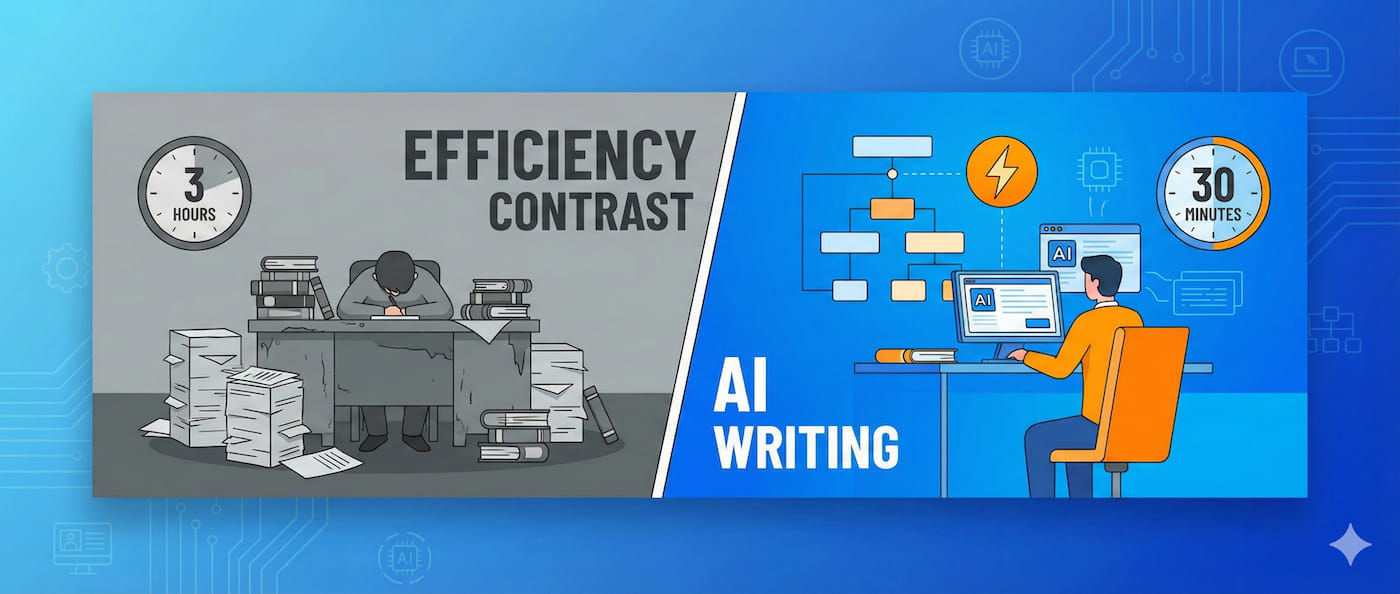
Writing Takes 3 Hours? My AI Workflow Cuts It Down to 30 Minutes (With Prompt Templates)

From 0 to 100K Followers: Tech Account Growth Real-World Recap